
Why Your Diagnostic Scanner Can’t Communicate With a Vehicle

Troubleshooting connection issues with your TOPDON diagnostic tool
A diagnostic scanner is one of the most valuable tools in any workshop or driveway. But few things are more frustrating than plugging in your tool and seeing a communication failure message.
If your TOPDON diagnostic scanner isn’t connecting to a vehicle, don’t panic. In most cases, the issue is simple and can be resolved quickly with a few checks.
Below, we break down the most common causes and how to fix them.
1. Loose or Improper Connection
The most frequent cause of communication failure is a poor physical connection.
What to check:
Ensure the VCI (Vehicle Communication Interface) dongle is fully inserted into the vehicle’s DLC (Data Link Connector)
Remove and reconnect the dongle to guarantee a secure fit
Inspect the DLC port for debris, bent pins, or damage
Even a slightly loose connection can interrupt data transfer between the scanner and vehicle modules.
2. Ignition Switch
Many vehicles require the ignition to be turned on before communication can begin.
Solution:
Turn the ignition to the ON position
Do not start the engine unless instructed by the diagnostic procedure
Without ignition power, key vehicle control modules may remain offline.
3. Low Vehicle Battery Voltage
Diagnostic communication relies on stable voltage across the vehicle network.
Symptoms of low voltage:
Scanner fails to connect
Random disconnections
Slow or incomplete module scans
Fix:
Check battery voltage
Charge or replace the battery if necessary
Use a battery maintainer during extended diagnostic sessions
4. Outdated Tool or VCI Software
Vehicle coverage and communication protocols are constantly evolving. Using outdated software can prevent proper connection.
Recommended action:
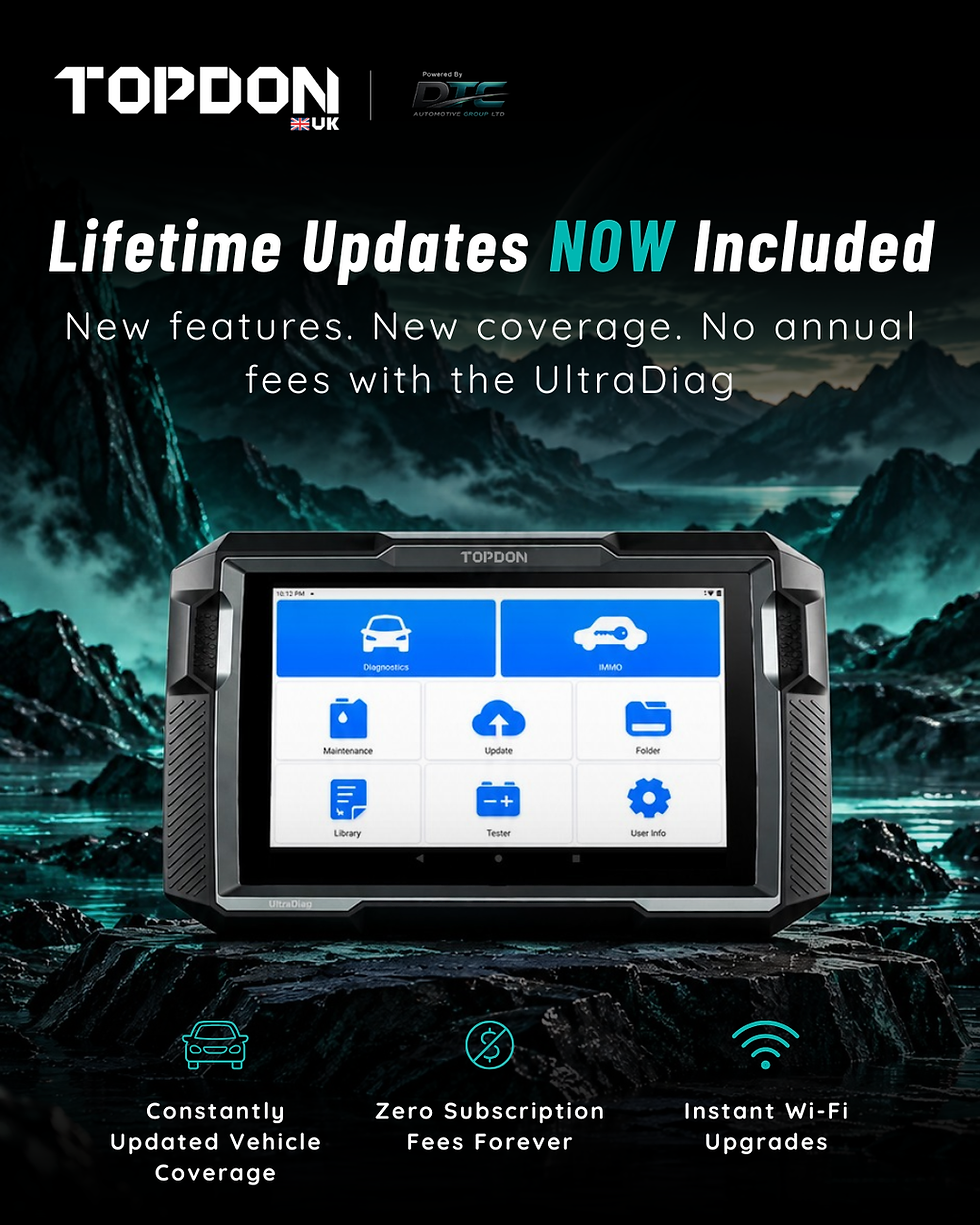
Update your TOPDON diagnostic tool
Update the VCI firmware
Restart the device after updates
Keeping your tool current ensures compatibility with newer vehicles and improved communication stability.
5. Throttle or Transmission Position
Certain vehicles require specific conditions before communication can occur.
Verify that:
The throttle is closed
The transmission is in Park or Neutral (depending on vehicle type)
Incorrect positions can interfere with module access during diagnostics.
6. Electromagnetic Interference
Although less common, electromagnetic interference can disrupt communication signals.
Signs include:
Screen flickering
Tool freezing
Intermittent connection
Troubleshooting tip:
Move away from strong interference sources such as chargers, high-power tools, or wireless transmitters
7. Faulty DLC or Vehicle-Side Issue
If all tool checks pass, the issue may originate from the vehicle itself.
Possible vehicle problems:
Damaged DLC port
Blown fuse related to OBD communication
Faulty control module
Network wiring issue
Best practice:
Test your TOPDON scanner on another vehicle
If communication works elsewhere, the original vehicle likely has a DLC or network fault
8. VCI Dongle Indicator Lights
Your VCI dongle provides valuable connection feedback through its indicator lights.
What to do:
Check the light status
Refer to the user manual for LED meaning
Confirm the lights indicate power and communication activity
Indicator lights often help pinpoint whether the issue is power-related, connection-related, or communication-related.
Final Thoughts
A communication failure doesn’t mean your diagnostic tool is faulty. In most cases, the cause is a simple setup issue, power problem, or vehicle-side fault.
By following the troubleshooting steps above, you can quickly identify the root cause and get back to diagnosing with confidence.
If problems persist, Topdon UK support and firmware updates are always available to help ensure your tool delivers reliable performance across a wide range of vehicles.



Comments