
Diagnostic Tool Compatibility: How to Check and Why It’s Important

Modern vehicles are packed with complex electronics, control modules, and advanced driver systems. Because of this, not every diagnostic tool works with every vehicle.
For workshops, mobile technicians, and serious DIYers, checking compatibility before purchasing or using a diagnostic tool can save time, money, and frustration.
That’s where the TOPDON vehicle coverage list becomes invaluable.
TOPDON’s Vehicle Coverage List: A powerful compatibility checker
TOPDON provides a dedicated online coverage tool that allows users to verify:
Vehicle compatibility
System access
Available service functions
Sub-functions and actuation tests
How to check diagnostic compatibility (step-by-step)
Step 1 — Select your diagnostic tool
Start by selecting:
Diagnostic functions
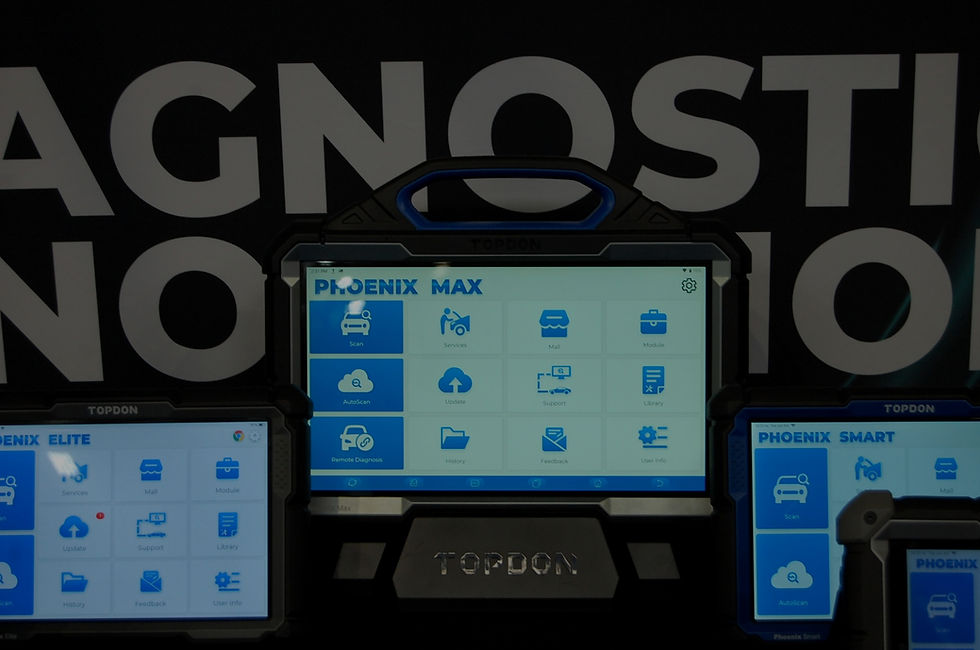
The TOPDON tool you want to check (e.g., Phoenix Max)
Vehicle category (passenger, commercial, EV, motor)
This ensures results reflect the exact capabilities of your device.

Step 2 — Choose the vehicle make
Use the alphabetical filter to find your vehicle manufacturer and select it.

Step 3 — Select model, year, and system
After selecting the make, refine your search by:
Model
Year
System
Function
Sub-function
The results table will show whether the vehicle is supported and exactly what functions are available.

What the results tell you
The coverage list provides detailed insight, including:
Supported systems (engine, ABS, BCM, infotainment, etc.)
Available service functions
Actuation tests and coding options
If your vehicle is compatible with the selected tool.
This transparency helps technicians and DIY users understand not just if a vehicle is supported, but how deeply.
A key takeaway
Diagnostic tools are powerful, but vehicle compatibility determines their real value.
Checking coverage beforehand ensures:
Accurate diagnostics
Full functionality
Better workflow efficiency
Confident purchasing decisions
TOPDON’s vehicle coverage list makes this process quick, transparent, and highly detailed.


Comments